
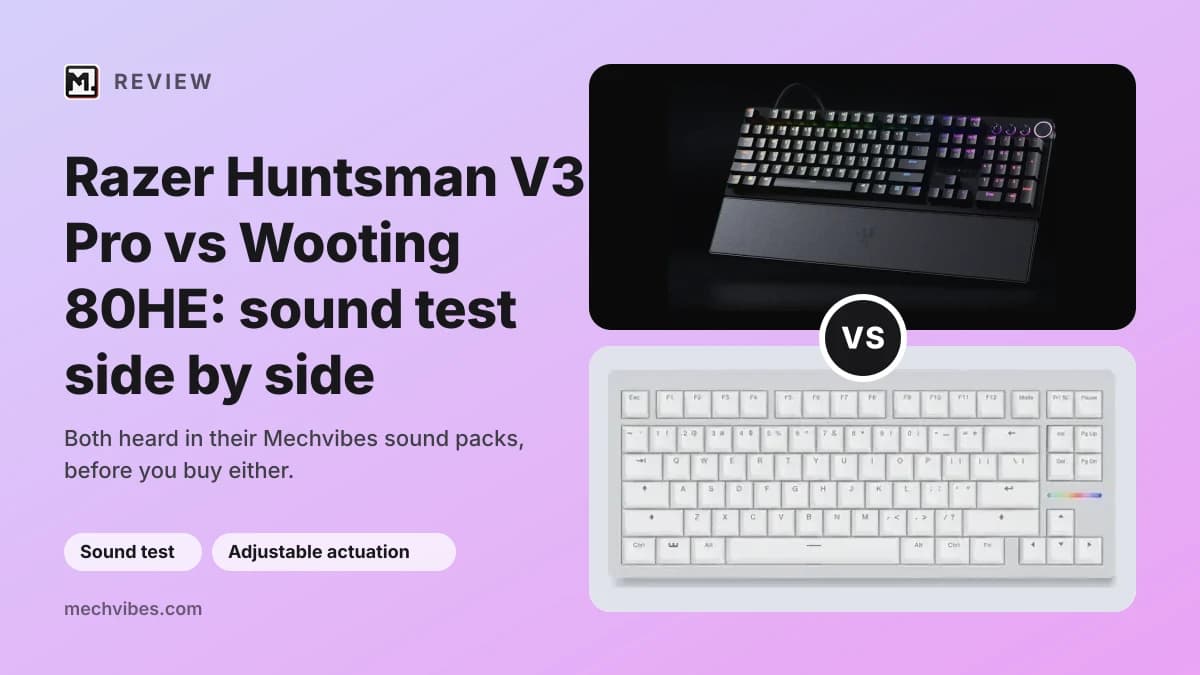
The Razer Huntsman V3 Pro 8KHz and the Wooting 80HE are two gaming keyboards that let you choose how deep a press counts, and "razer huntsman v3 pro vs wooting 80he" is something people search for word for word. They get there in different ways: Razer uses analog optical switches, Wooting uses magnetic ones. Both list rapid trigger, which resets a key the moment it starts to come back up. With the gaming features this close, how each one sounds under your fingers can be what decides it.
Both boards are in the Mechvibes library as community sound packs, so you can hear them before you buy. We have not used these keyboards ourselves; the facts below come from their makers' pages, linked.
Some links below go to Amazon. As an Amazon Associate, Mechvibes earns from qualifying purchases, at no cost to you.
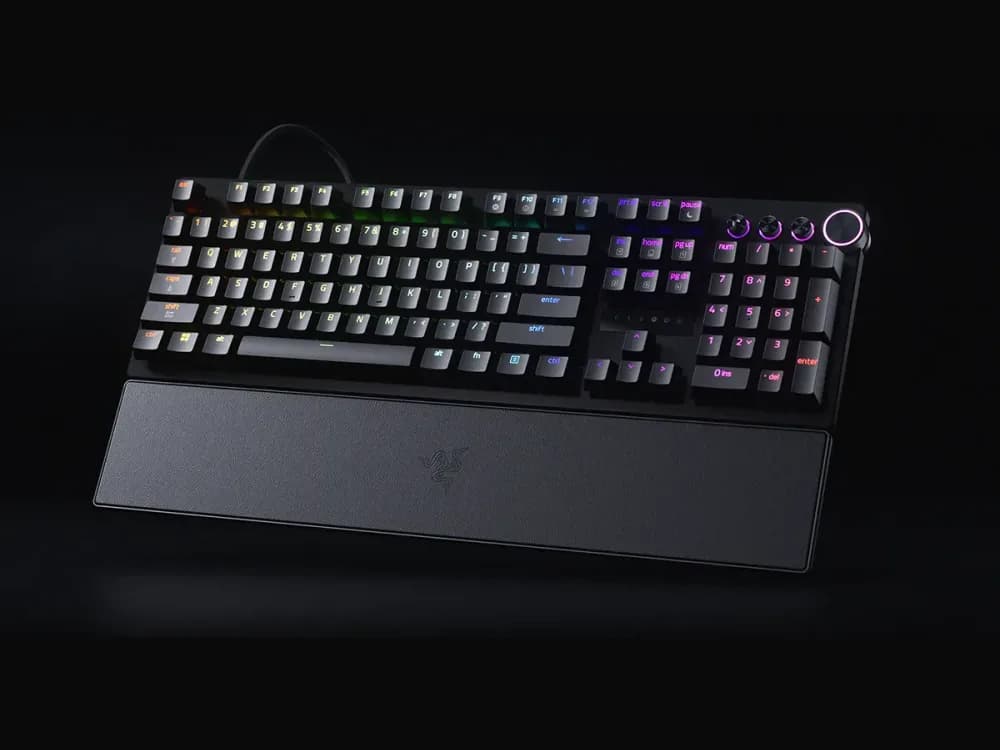
Razer Huntsman V3 Pro 8KHz
Played 868 times on Mechvibes in the last 30 days, and counting.
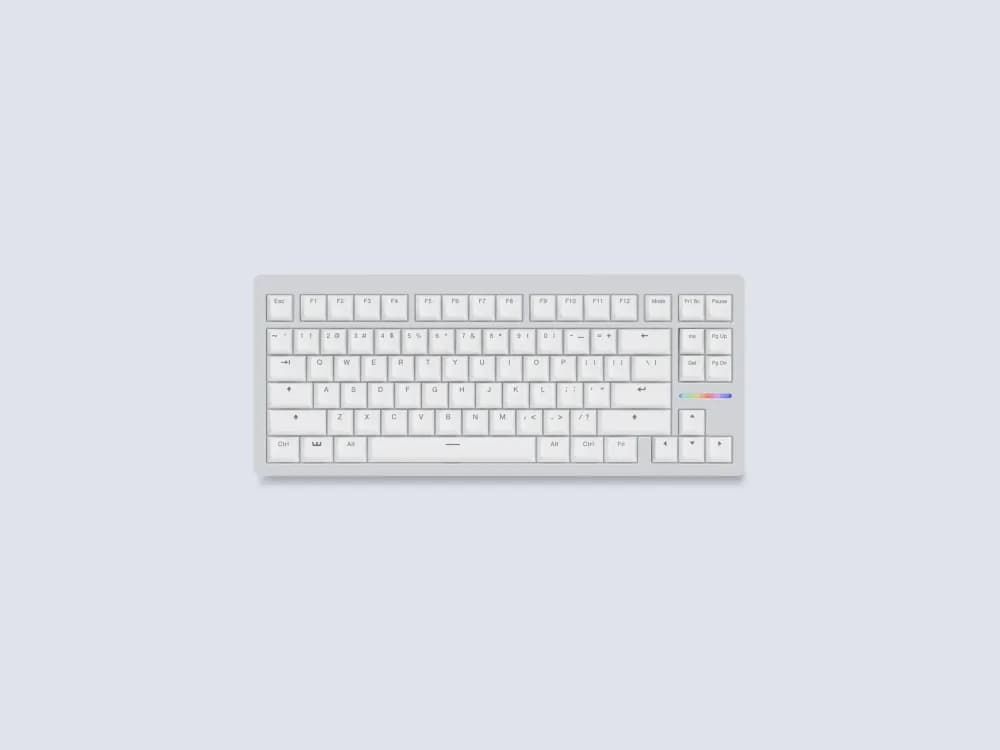
Wooting 80HE
Played 506 times on Mechvibes in the last 30 days across 4 community packs, and counting.
At a glance
| Razer Huntsman V3 Pro 8KHz | Wooting 80HE | |
|---|---|---|
| Layout | Full size (100%) or tenkeyless | 80% |
| Case | Aluminum top case | PCR ABS or zinc alloy, with a polycarbonate plate and a silicone gasket mount |
| Switches | Razer Analog Optical Switches Gen-2, actuation from 0.1 to 4.0 mm | Lekker L60 V2, actuation from 0.1 to 4.0 mm |
| Connectivity | Wired | USB-C to USB-C cable |
| Sound in its packs | Thocky, clacky | Clacky, creamy, thocky |
| Packs on Mechvibes | 1 | 4 |
| Pack views in the 30 days to November 15, 2026 | 867 | 506 |
Pack views count each person once a day. Huntsman V3 Pro 8KHz facts from Razer and Razer's announcement; its sizes and its wired connection from RTINGS. Wooting 80HE facts from Wooting.
How they sound
The Huntsman V3 Pro 8KHz has one pack, Razer Huntsman V3 Pro 8k, recorded on the Razer Analog Optical Gen-2 switches the board ships with. Its maker describes it as thocky and clacky. The pack does not say whether it records the full-size board or the tenkeyless one.
The Wooting 80HE packs split between two switches. Wooting 80HE Keyboard and Wooting 80HE with Lekker L60 switches record Lekker L60 switches; Wooting ships the board with Lekker L60 V2. The first is described as clacky and creamy. [DREW] Wooting 80HE Cerakey V2, the one people opened most, and wooting 80HE gateron jade 70g record Gateron Jade switches, not the switch Wooting lists for the board, and both are described as thocky and creamy.
A simple way to compare: open one pack of each and type the same sentence on both, at the same volume. For the boards as their makers sell them, pick the Huntsman pack and a Lekker L60 pack for the 80HE.
What sets them apart
- How the switches work. Razer uses analog optical switches, each one lubricated (Razer). Wooting uses Lekker L60 V2 magnetic switches, and the board reads each key through the magnet inside the switch (Wooting).
- What is inside for sound. Razer seats each switch in a dense foam layer and, with the lubricated switches, says this gives a clean, muted typing sound (Razer). Wooting lists a silicone gasket mount for less noise and a softer feel, a polycarbonate plate that mutes more of the high frequencies, screw-in stabilizers against rattle, and a foam layer in the box of the cased version (Wooting).
- The size. The Huntsman V3 Pro 8KHz comes as a full-size board or a tenkeyless one (RTINGS). The 80HE is an 80% board, 346 by 142 mm (Wooting).
- The case. Razer lists an aluminum top case (Razer's announcement). The 80HE comes in a PCR ABS case at 790 g or a zinc alloy one at 2,160 g (Wooting).
- What each maker puts forward. Razer lists a dial for volume and switch settings, media buttons and a magnetic leatherette wrist rest (Razer). Wooting lists an LED bar and the board in ANSI, ISO and JIS layouts (Wooting).
Both makers give the same adjustable actuation range, 0.1 to 4.0 mm, and both list rapid trigger and 8 kHz polling. Razer lists textured double-shot PBT keycaps, and Wooting fits double-shot PBT keycaps on its ANSI boards.
Which one to hear first
If you want a deeper sound, start with the 80HE packs on Gateron Jade switches: both are described as thocky and creamy. Keep in mind that Wooting lists Lekker L60 V2 switches for the board, so hear a Lekker L60 pack too. If you want to hear a board as it ships, start with the Huntsman pack: it records the switches Razer sells it with, and it is described as thocky and clacky.
If you want to hear one board across several recordings, the 80HE has four packs to the Huntsman's one.
How to listen
Every pack page has a keyboard you can type on. Turn the volume up and type anywhere on the page to hear the pack. To hear it while you work in other apps, download Mechvibes, open the pack and press Install.
The same keyboard can sound very different from one recording to the next. Switches, keycaps, the desk and the microphone all change the sound, which is why some keyboards here have several packs. If you own one of these boards in a setup that is missing here, such as the 80HE with Lekker L60 V2 switches or the Huntsman V3 Pro 8KHz in either size, you can record your own pack and add it to the library.