
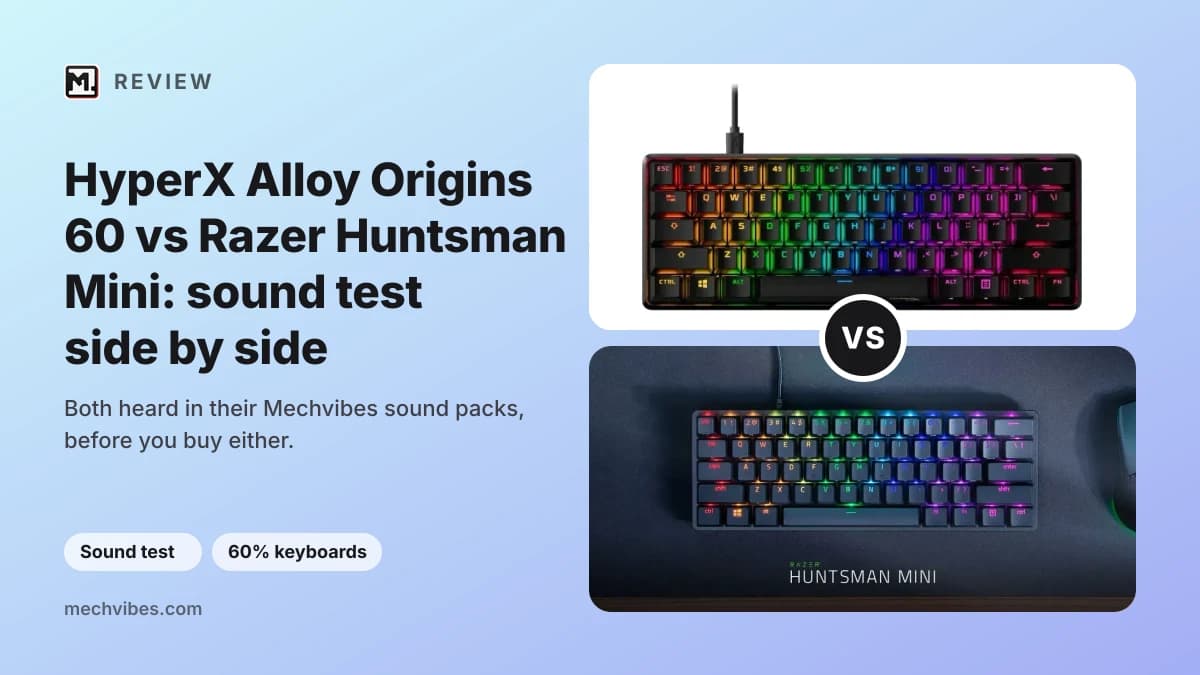
The HyperX Alloy Origins 60 and the Razer Huntsman Mini are two 60% keyboards from gaming brands, and people moving to a smaller board often end up choosing between them. On paper they are close: both have an aluminum case, doubleshot PBT keycaps with the second functions printed on the side, and a detachable USB-C cable. The big difference is the switch, mechanical on the HyperX and optical on the Razer, and "hyperx alloy origins 60 vs razer huntsman mini" is something people search for. The Huntsman Mini was also one of the optical keyboards people played most this month, so it is a good time to hear it next to the Alloy Origins 60.
Both boards are in the Mechvibes library as community sound packs, so you can hear them before you buy. We have not used these keyboards ourselves; the facts below come from their makers' pages, linked.
Some links below are affiliate links: Mechvibes may earn a commission on qualifying purchases, at no cost to you. As an Amazon Associate, Mechvibes earns from qualifying purchases.
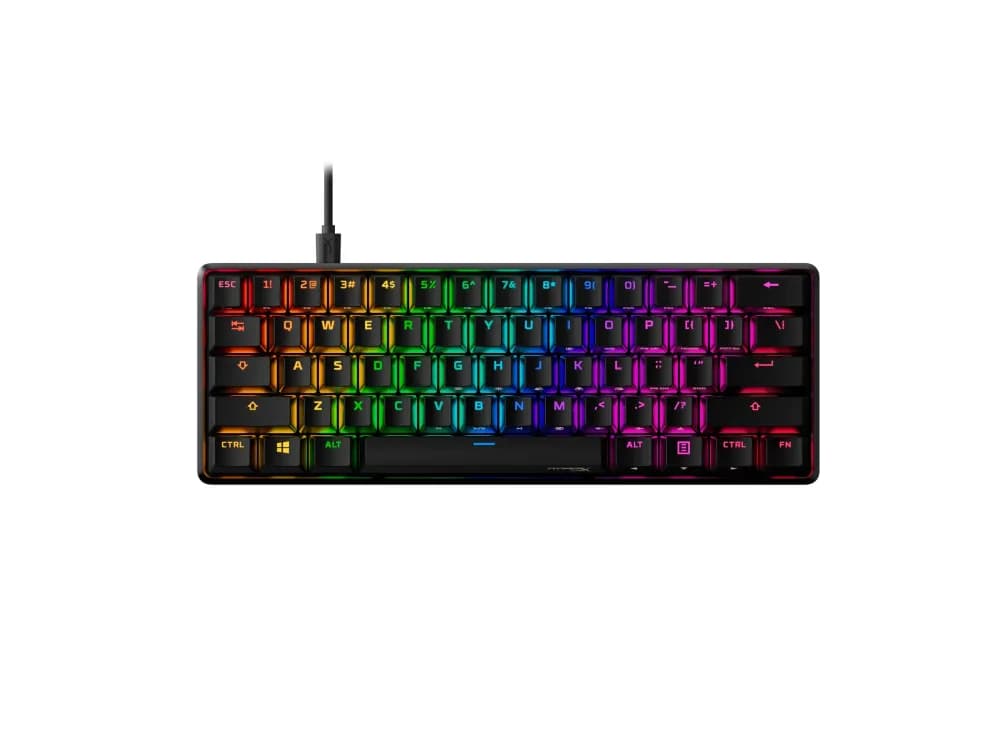
HyperX Alloy Origins 60
Played 42 times on Mechvibes in the last 30 days across 3 community packs, and counting.
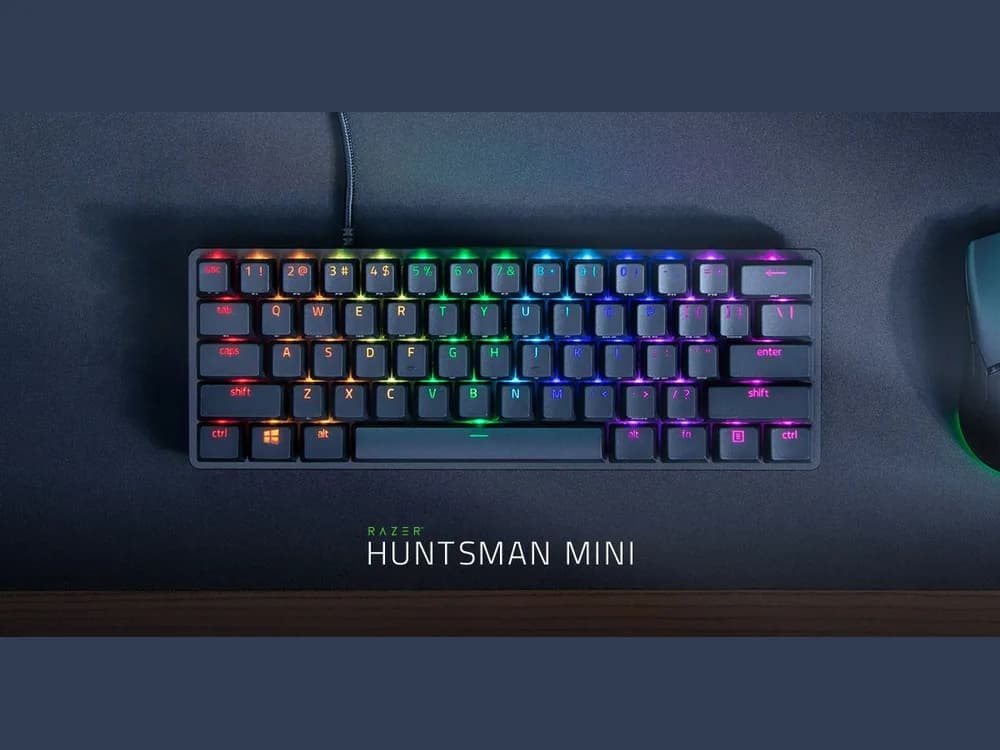
Razer Huntsman Mini
Played 365 times on Mechvibes in the last 30 days across 8 community packs, and counting.
At a glance
| HyperX Alloy Origins 60 | Razer Huntsman Mini | |
|---|---|---|
| Layout | 60% | 60% |
| Case | Aluminum | Aluminum |
| Switches | HyperX mechanical switches; the packs record HyperX Red linear and HyperX Blue clicky | Razer optical switches, clicky or linear |
| Connectivity | Wired, detachable USB-C cable | Wired, detachable USB-C cable |
| Sound in its packs | Clacky, clicky | Clacky, clicky |
| Packs on Mechvibes | 3 | 8 |
| Pack views in the 30 days to November 22, 2026 | 42 | 362 |
Pack views count each person once a day. Facts from HP's Alloy Origins 60 page (HyperX is part of HP) and Razer's Huntsman Mini page.
How they sound
The Alloy Origins 60 has three packs. HyperX Alloy Origins 60 by actaviusss is recorded with HyperX Blue clicky switches, and its maker tags it as clacky and clicky. The two packs by a_lep, both named HyperX Alloy Origins 60, are recorded with HyperX Red linear switches; their maker does not tag the sound.
The Huntsman Mini has eight packs, with both kinds of switch Razer sells it with. The most played, Huntsman mini by aji mosant, is described as clacky and does not name the switch. For the clicky version, try Razer Huntsman Mini by liriq_prod or Razer Clicky Optical Purple smolpp, which its maker tags as clicky. For the linear version, try Razer Huntsman Mini Mercury Edition, recorded with Razer Linear Optical switches. Mercury is one of the two colours Razer lists for the board.
A simple way to compare: pick the same kind of switch on both, clicky with clicky or linear with linear, and type the same sentence on each at the same volume.
What sets them apart
- The switch. HP lists the Alloy Origins 60 with HyperX mechanical switches, rated for 80 million keypresses (HP). Razer uses its own optical switches and lets you choose clicky or linear (Razer).
- Setting it up. HP says you set game mode, macros and per-key lighting in HyperX NGENUITY software (HP). Razer says the Huntsman Mini stores up to five profiles on the keyboard and has preset lighting effects that work without its Synapse software (Razer).
- Weight and tilt. HP gives the Alloy Origins 60 as 781.5 g with its cable, with two-step feet for three tilt angles (HP). Razer's page does not give a weight.
- Consoles. HP lists the Alloy Origins 60 as working with PC, PS5, PS4, Xbox Series X|S and Xbox One (HP). Razer's page does not list consoles.
Which one to hear first
If you want a click with every press, start with the clicky packs: the HyperX one by actaviusss and the Razer one by kyo.1069, both tagged clicky by their makers. If you share a room and want switches without a click, start with the linear ones: a_lep's HyperX Red packs and the Mercury Edition pack on Razer Linear Optical switches.
If you want to hear one board in many setups first, start with the Huntsman Mini: it has eight packs to the Alloy Origins 60's three.
How to listen
Every pack page has a keyboard you can type on. Turn the volume up and type anywhere on the page to hear the pack. To hear it while you work in other apps, download Mechvibes, open the pack and press Install.
The same keyboard can sound very different from one recording to the next. Switches, keycaps, the desk and the microphone all change the sound, which is why some keyboards here have several packs. If you own one of these boards in a setup that is missing here, you can record your own pack and add it to the library.