
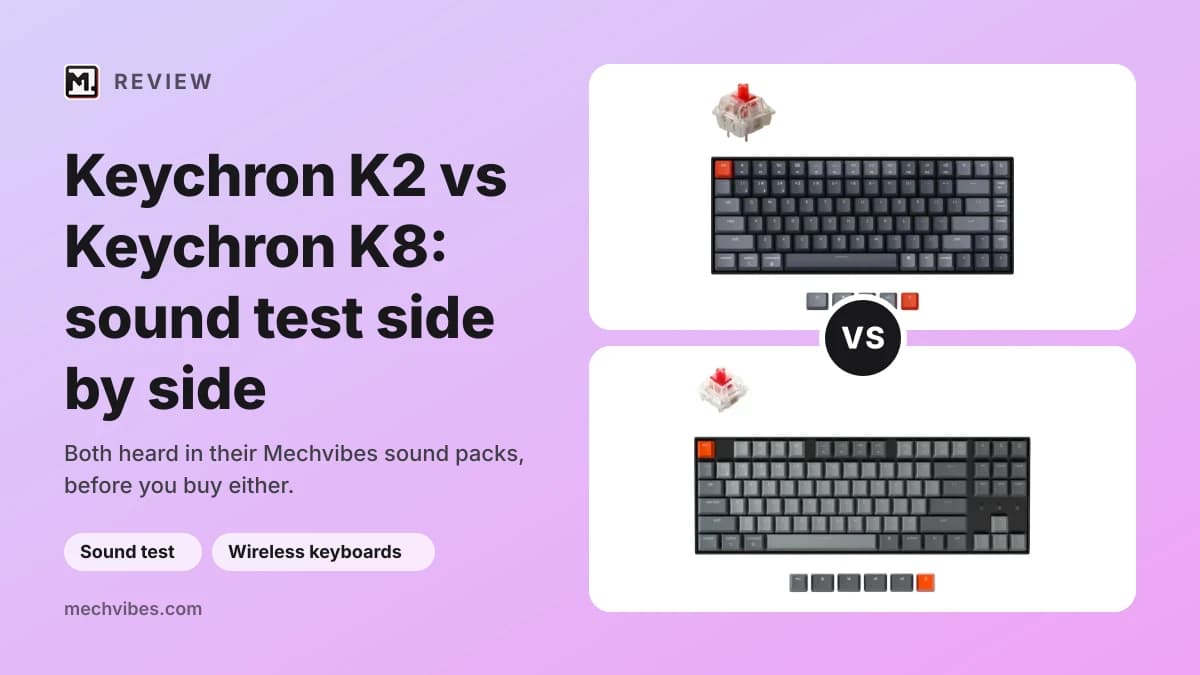
The Keychron K2 and the Keychron K8 are Keychron's two most familiar wireless boards, and people deciding between a 75% and a tenkeyless often end up with these two open in side-by-side tabs. Both connect over Bluetooth to up to three devices or over a cable, both have a plastic case with a tray mount, and both work with macOS, Windows and Linux. The size is the obvious difference; the sound is the part you cannot tell from a product photo, and "keychron k2 vs k8" is something people search for. The K2 is also one of the keyboards people opened most on Mechvibes this month, with 1,552 pack views in 30 days, so it is a good time to hear it next to the K8.
Both boards are in the Mechvibes library as community sound packs, so you can hear them before you buy. We have not used these keyboards ourselves; the facts below come from their makers' pages, linked.
Some links below are affiliate links: Mechvibes may earn a commission on qualifying purchases, at no cost to you. As an Amazon Associate, Mechvibes earns from qualifying purchases.
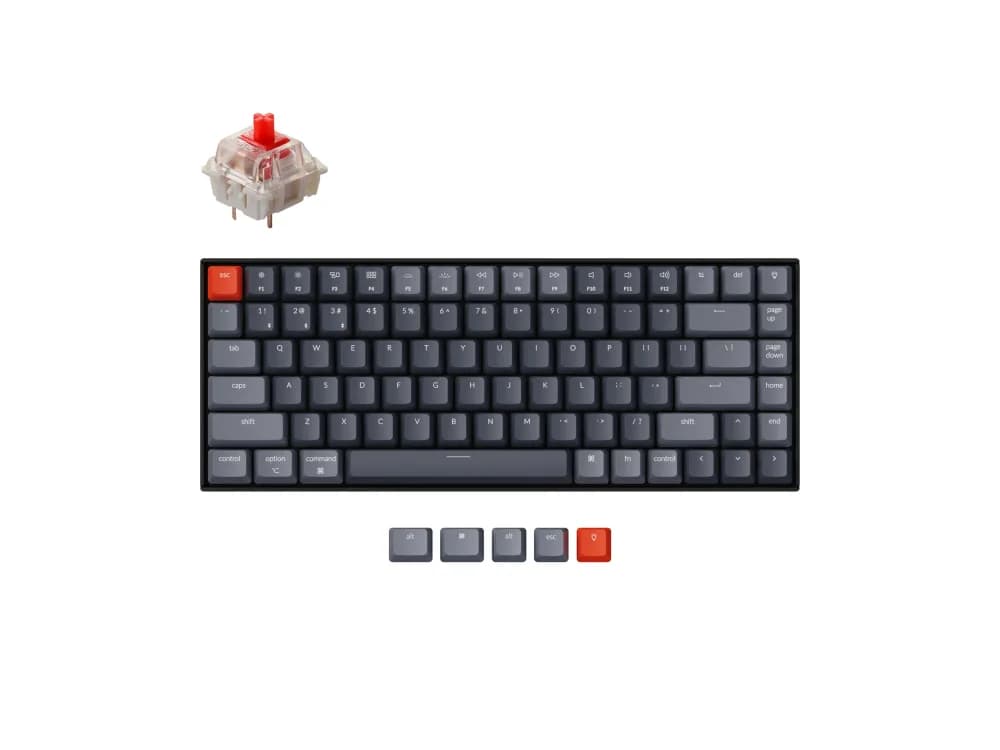
Keychron K2
Played 1,579 times on Mechvibes in the last 30 days across 4 community packs, and counting.
Every Keychron K2 sound pack (4)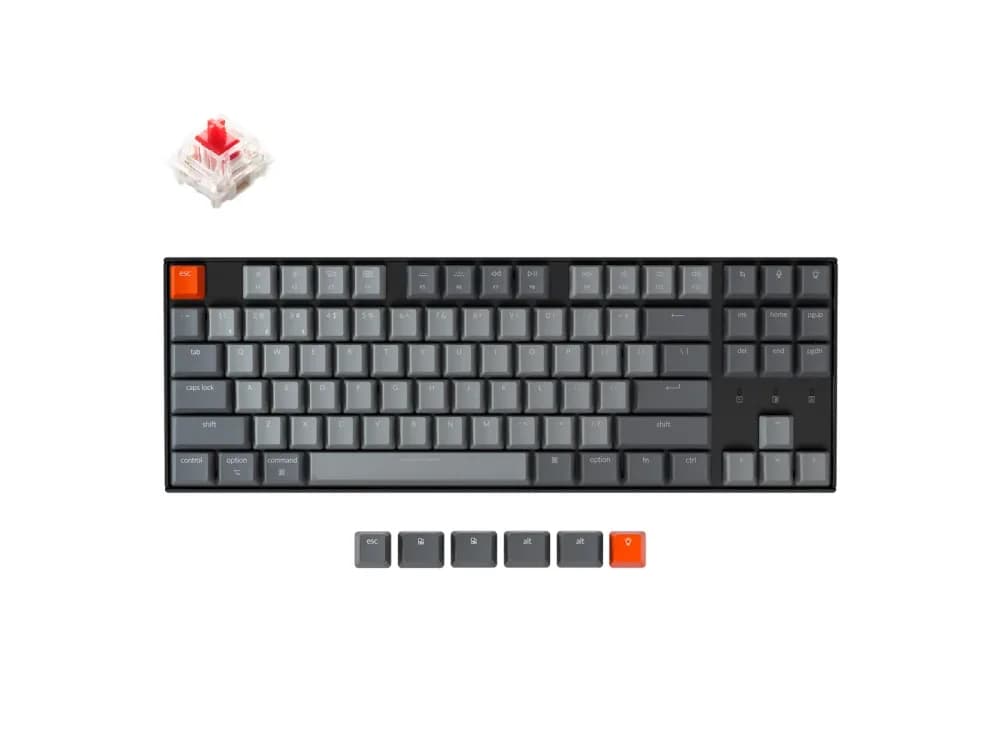
Keychron K8
Played 15 times on Mechvibes in the last 30 days, and counting.
At a glance
| Keychron K2 | Keychron K8 | |
|---|---|---|
| Layout | 75% | 80% tenkeyless (TKL) |
| Case | ABS plastic, tray mount; an aluminum frame is an option | ABS plastic, or ABS with an aluminum frame; tray mount |
| Switches | Keychron Super red, blue or brown, hot-swappable; the packs record Gateron Brown and Gateron Blue | Gateron G Pro, Keychron Super or Gateron optical; the pack records Gateron Milky Yellow |
| Connectivity | Bluetooth (up to 3 devices), wired | Bluetooth (up to 3 devices), wired |
| Sound in its packs | Creamy; clicky, thocky and creamy | Not stated |
| Packs on Mechvibes | 4 (2 recorded on a K2) | 1 |
| Pack views in the 30 days to November 24, 2026 | 1,552 | 14 |
Pack views count each person once a day. Facts from Keychron's K2 page and K8 page.
How they sound
Four packs carry the K2's name, but only two are described by their makers as K2 recordings. evlichek_keychron_k2 by evlick is recorded with Gateron Brown tactile switches and tagged creamy; it is the one in the box above. Keychron K2 by thereal_echidna is recorded with Gateron Blue clicky switches and tagged clicky, thocky and creamy. Of the other two, Myilo Keychron Dream FN V2 is described by its maker as using Keychron K10 HE sounds, and Myilo Mouse Dream Pack is a mouse pack. Those two account for most of the K2's views this month.
The K8 has one pack, Gateron Milky Yellow, recorded with Gateron Milky Yellow linear switches. Its maker does not tag the sound.
Neither board's packs use the switches Keychron's pages list today, so treat them as the board's case and keycaps with those particular switches. The switch type differs too: brown is tactile, blue is clicky and Milky Yellow is linear. A simple way to compare: type the same sentence on each pack at the same volume, and listen for how the case sounds under each press rather than the switch alone.
What sets them apart
- Size. Keychron lists the K2 as a 75% board and the K8 as an 80% tenkeyless with an ANSI layout (K2, K8). The plastic-frame K2 is 313 x 123 mm; the plastic-frame K8 is 355 x 123 mm.
- Weight. Keychron gives the K2 as 663 g with the plastic frame and 794 g with the aluminum one (Keychron), and the K8 as 740 g with the plastic frame and 887 g with aluminum bezels (Keychron).
- Battery. Both have a 4000 mAh battery. Keychron lists the K2 at up to 240 hours and the K8 at up to 68 hours (K2, K8).
- Keycaps. The K2 page lists ABS keycaps; the K8 page lists OEM double-shot ABS keycaps (K2, K8).
- Newer versions. The K2 page points to the newer K2 HE and K2 Ultra 8K. The K8 page points to the K8 Version 2, which Keychron says adds QMK firmware, acoustic foam for a quieter sound, Bluetooth 5.2 and shine-through PBT keycaps (K8). The packs do not say which version they record.
Which one to hear first
If you want a softer, rounder sound, start with the K2 pack on Gateron Browns, which its maker tags as creamy. If you want a click you can hear across the room, try the K2 pack on Gateron Blues, tagged clicky. If you share a room and want switches with no bump or click, start with the K8 pack on Gateron Milky Yellow linears.
If you want to hear more than one recording of the board, start with the K2: it has two K2 recordings to the K8's one.
How to listen
Every pack page has a keyboard you can type on. Turn the volume up and type anywhere on the page to hear the pack. To hear it while you work in other apps, download Mechvibes, open the pack and press Install.
The same keyboard can sound very different from one recording to the next. Switches, keycaps, the desk and the microphone all change the sound, which is why some keyboards here have several packs. If you own a K2 or a K8 with switches that are missing here, you can record your own pack and add it to the library.