
The Wobkey Rainy 75 and the Aula F75 come up together whenever someone asks which affordable keyboard sounds good out of the box. Both are ready-made 75% boards with a gasket mount, linear switches and three ways to connect, and "rainy 75 vs aula f75" is something people search for word for word. What they are built from is quite different, and you can hear both before you choose.
Both boards are in the Mechvibes library as community sound packs, so you can hear them before you buy. We have not used these keyboards ourselves; the facts below come from their makers' pages, linked.
Some links below go to Amazon. As an Amazon Associate, Mechvibes earns from qualifying purchases, at no cost to you.
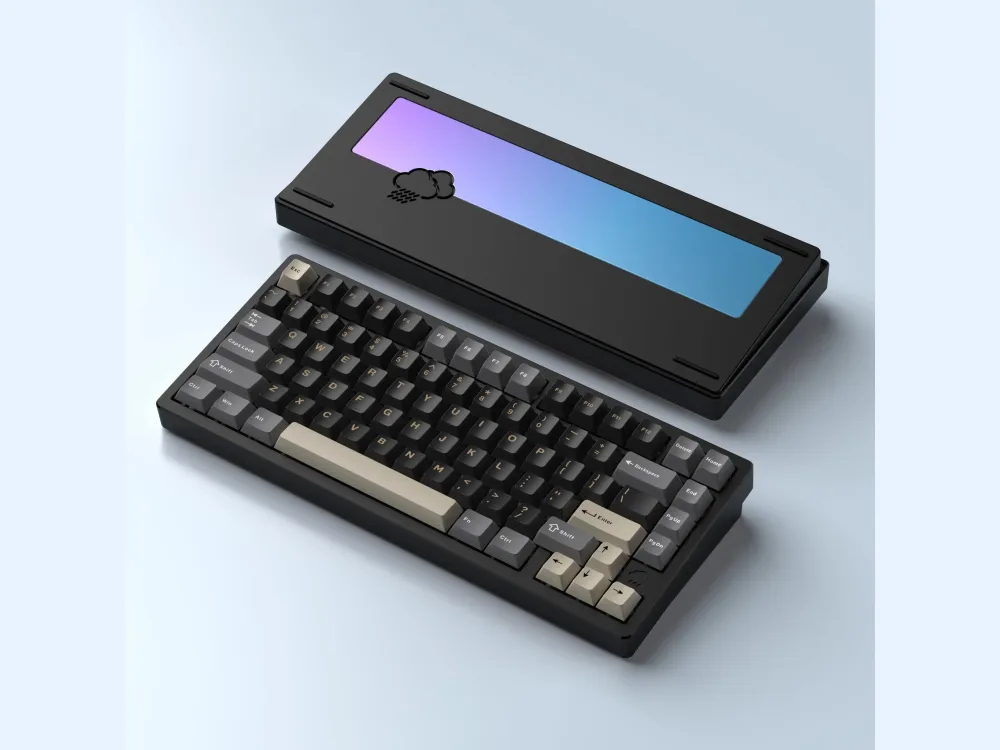
Wobkey Rainy 75
Played 68 times on Mechvibes in the last 30 days across 2 community packs, and counting.
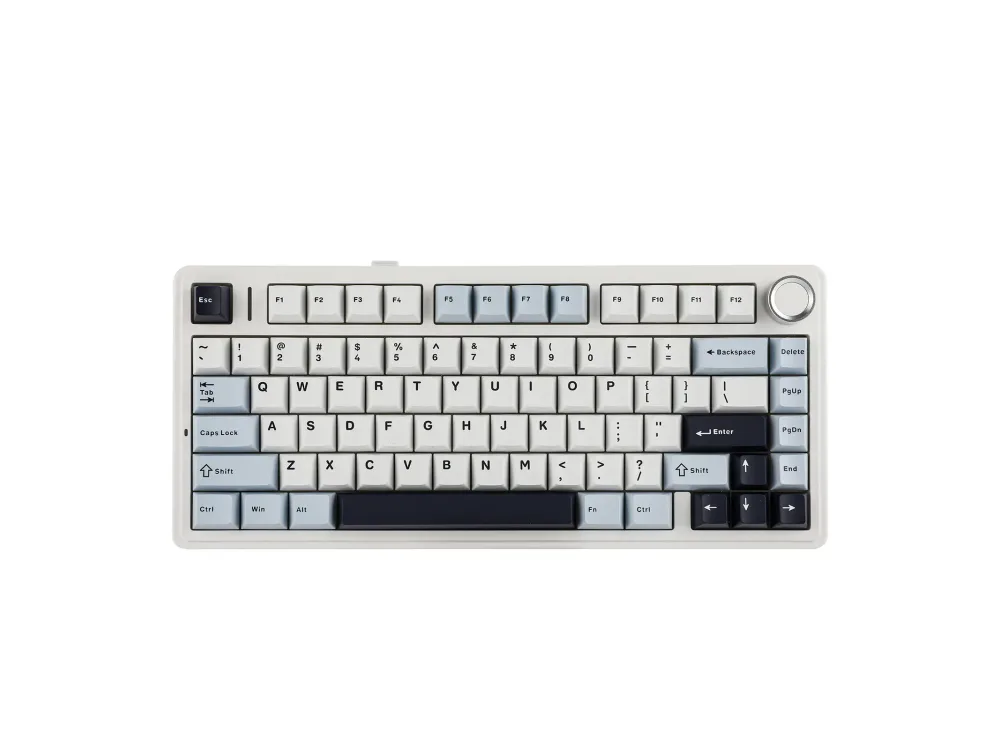
Aula F75
Played 596 times on Mechvibes in the last 30 days across 4 community packs, and counting.
At a glance
| Wobkey Rainy 75 | Aula F75 | |
|---|---|---|
| Layout | 75%, 81 keys | 75%, 80 keys |
| Case | CNC 6063 aluminum | ABS plastic |
| Switches | HMX Violet linear (Lite and Standard); JWK WOB or Kailh Cocoa linear (Pro) | Factory-lubed linear: LEOBOG Reaper, Greywood V3 or Ice Vein, TTC and Aula Crescent, or Dream Sakura |
| Connectivity | USB-C, 2.4 GHz, Bluetooth 5.0 | USB-C, 2.4 GHz, Bluetooth |
| Sound in its packs | Thocky, creamy, clacky | Creamy, thocky |
| Packs on Mechvibes | 2 | 4 |
| Pack views in the 30 days to November 10, 2026 | 66 | 564 |
Pack views count each person once a day. Facts from Wobkey and Aula.
How they sound
Both Rainy 75 packs record HMX Violet linear switches, the switch Wobkey fits to the Lite and Standard versions. Their makers describe them in different words: Rainy 75 by -error-hrik- as thocky and creamy, and Rainy 75 by luv.sora as clacky and thocky. The Pro, with its FR4 plate and other switches, is not what these two packs record.
The Aula F75 has four packs, each with a different setup. Aula 75 (Graywood V3 and Ice Vein) and aula f75 are described as creamy, the second without naming its switches. Aula F75 by actavius, on LEOBOG Reaper switches, is described as thocky and creamy, and aula f75 with gateron oil kings, on a switch Aula does not list for the board, as thocky.
A simple way to compare: open one pack of each and type the same sentence on both, at the same volume.
What sets them apart
- The case. The Rainy 75 has a CNC-machined 6063 aluminum case (Wobkey); the F75's case is ABS plastic (Aula).
- The weight. Wobkey gives the Rainy 75 as 1.8 to 2.0 kg (Wobkey); Aula gives the F75 as about 1,023 g with its cable and receiver (Aula).
- The plate. The Rainy 75 Lite and Standard have a PP plate and the Pro an FR4 one (Wobkey). Aula's page does not state the F75's plate material.
- The switch choice. Wobkey ties the switch to the version: HMX Violet in the Lite and Standard, JWK WOB or Kailh Cocoa in the Pro. Aula sells the F75 with a choice of five linear switches, all factory lubed (Wobkey, Aula).
- Battery and software. The Rainy 75 has a 3500 mAh battery (7000 mAh in the Pro) and supports QMK and VIA (Wobkey). The F75 has a 4000 mAh battery and its own Aula driver (Aula).
Which one to hear first
If you want a creamy sound, start with the Aula F75: three of its four packs are described that way. If you want a clackier, brighter sound, start with the Rainy 75 pack by luv.sora, the only pack of the two boards described as clacky. If you want a deeper sound, both boards have packs described as thocky, so hear one of each with the same sentence.
If you are choosing between switches, the F75's packs record Graywood V3 and Ice Vein, Reaper and Gateron Oil King switches, so you can hear how much the switch changes the same board.
How to listen
Every pack page has a keyboard you can type on. Turn the volume up and type anywhere on the page to hear the pack. To hear it while you work in other apps, download Mechvibes, open the pack and press Install.
The same keyboard can sound very different from one recording to the next. Switches, keycaps, the desk and the microphone all change the sound, which is why some keyboards here have several packs. If you own one of these boards in a setup that is missing here, you can record your own pack and add it to the library.