
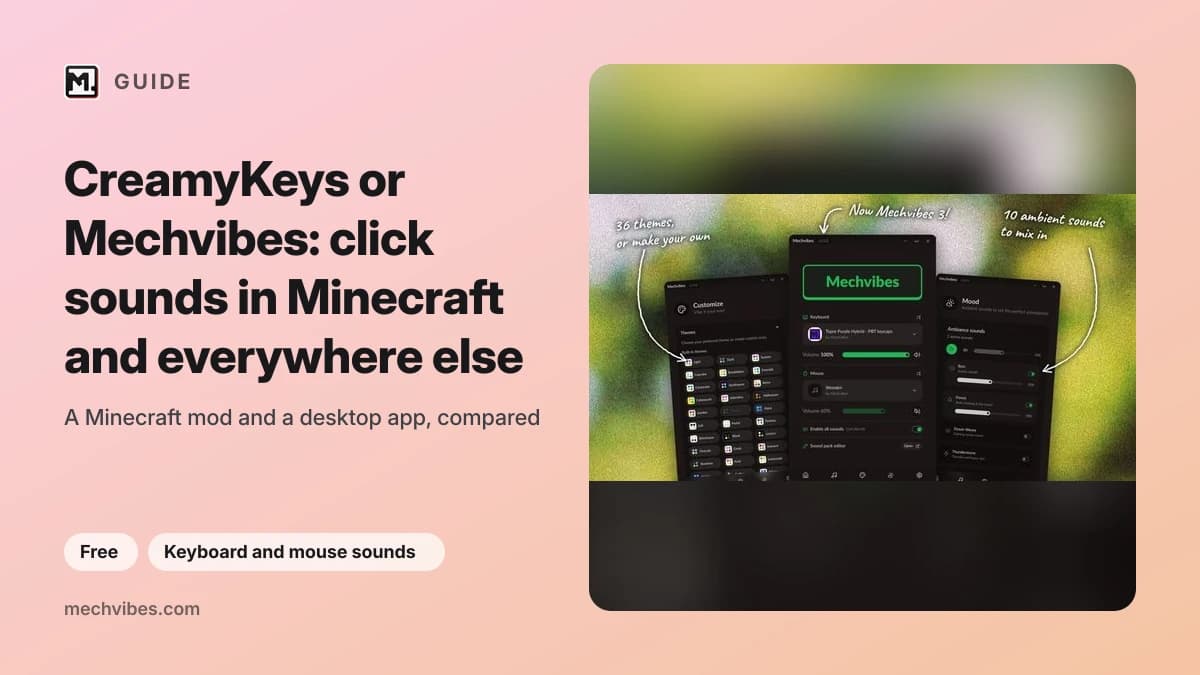
CreamyKeys and Mechvibes both play a keyboard click every time you press a key, and both have mouse click sounds. The difference is where they work. CreamyKeys is a Minecraft mod, so its sounds play inside the game. Mechvibes is a desktop app, so its sounds play in every app on your computer, Minecraft included. This post lays out the facts so you can pick the one that fits.
What CreamyKeys is
CreamyKeys is a client-side Minecraft mod. Its pages on CurseForge and Modrinth describe it as adding keyboard and mouse click sounds for your in-game inputs, made with PvP and montages in mind. It runs on Fabric (Modrinth also lists Forge) and has builds for recent Minecraft versions. You can add your own sounds: its Modrinth page says a sound pack is a .zip with .ogg files inside.
How they compare
| CreamyKeys | Mechvibes | |
|---|---|---|
| What it is | A Minecraft mod | A desktop app |
| Where sounds play | Inside Minecraft | Every app: games, chat, code, documents |
| Needs | Minecraft with Fabric (or Forge) | Windows, Linux, or macOS (experimental) |
| Keyboard and mouse sounds | Yes | Yes, with a separate pack and volume for each |
| Custom sounds | A .zip of .ogg files | A library of more than 1,000 free packs, or your own made in the browser editor |
| Price | Free | Free, open source (MIT) |
When CreamyKeys is the right pick
If you only want click sounds while you play Minecraft, and you already run Fabric mods, CreamyKeys keeps everything inside the game. Nothing runs outside Minecraft, and the sounds stop when you close it.
What Mechvibes does differently
- It is not tied to one game. Mechvibes listens to your keyboard and mouse at the system level, so the same sound follows you from Minecraft to Discord to your browser. No mod loader, no game version to match.
- More sounds to choose from. The library holds more than 1,000 keyboard packs and more than 40 mouse packs, most of them recorded on real keyboards, and every one is free. There are Minecraft ones too, such as Minecraft Click and Minecraft Amethyst.
- Hear before you install. Every pack page has a keyboard you can type on in the browser, so you can pick a sound before you download anything.
- Montages. Mechvibes plays through your normal speakers or headphones, so recording software that captures desktop audio picks it up with the game.
- Make your own. Record your keyboard, cut the sounds in the editor and share the pack, as the editor tutorial shows.
Which one to pick
For clicks inside Minecraft only, CreamyKeys does the job without leaving the game. For the same keyboard sound in Minecraft and everywhere else, with a large free library to choose from, try Mechvibes. Get the installer from the download page, then pick a keyboard pack and a mouse pack on the Home screen. On Linux, add your account to the input group first, as the platform setup tips explain.