
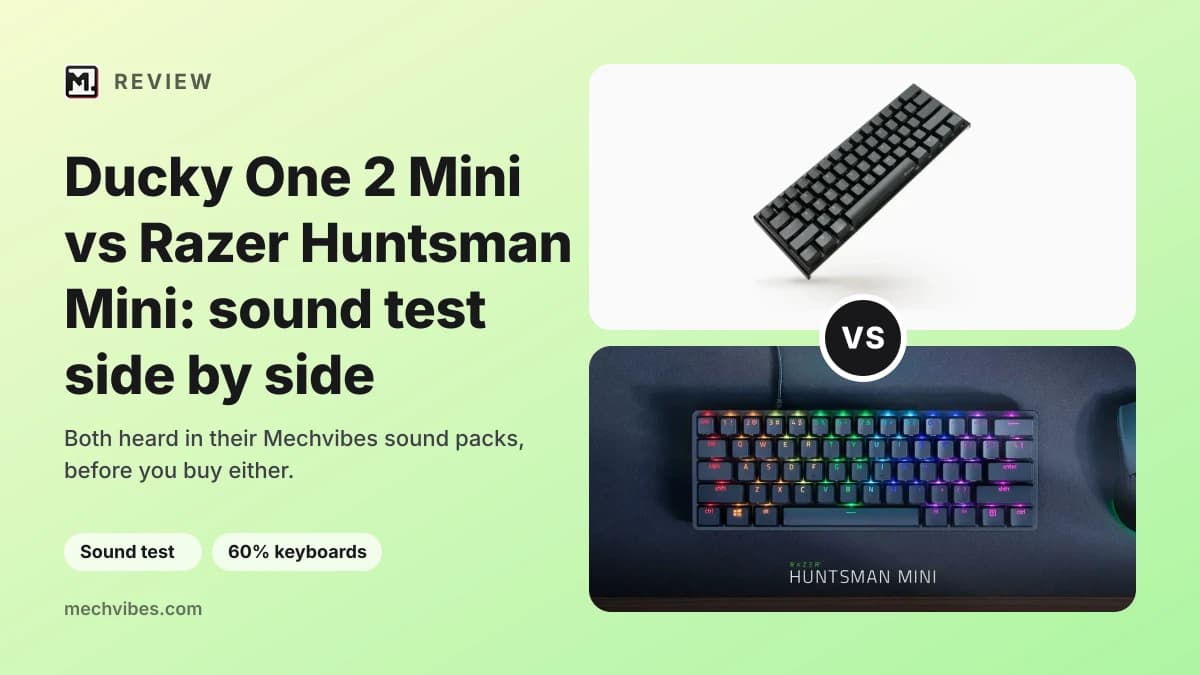
The Ducky One 2 Mini and the Razer Huntsman Mini are two 60% gaming keyboards that often end up on the same shortlist. They are the same size and both have doubleshot PBT keycaps and a detachable USB-C cable, but the switches work in different ways: the Ducky uses mechanical Cherry MX switches, the Razer uses Razer's own optical switches. "ducky one 2 mini vs razer huntsman mini" is something people search for, and the two boards drew a similar number of pack plays on Mechvibes this month, so it is worth hearing them one after the other.
Both boards are in the Mechvibes library as community sound packs, so you can hear them before you buy. We have not used these keyboards ourselves; the facts below come from Razer's page and, for the Ducky, from Tom's Hardware's review, linked.
Some links below are affiliate links: Mechvibes may earn a commission on qualifying purchases, at no cost to you. As an Amazon Associate, Mechvibes earns from qualifying purchases.
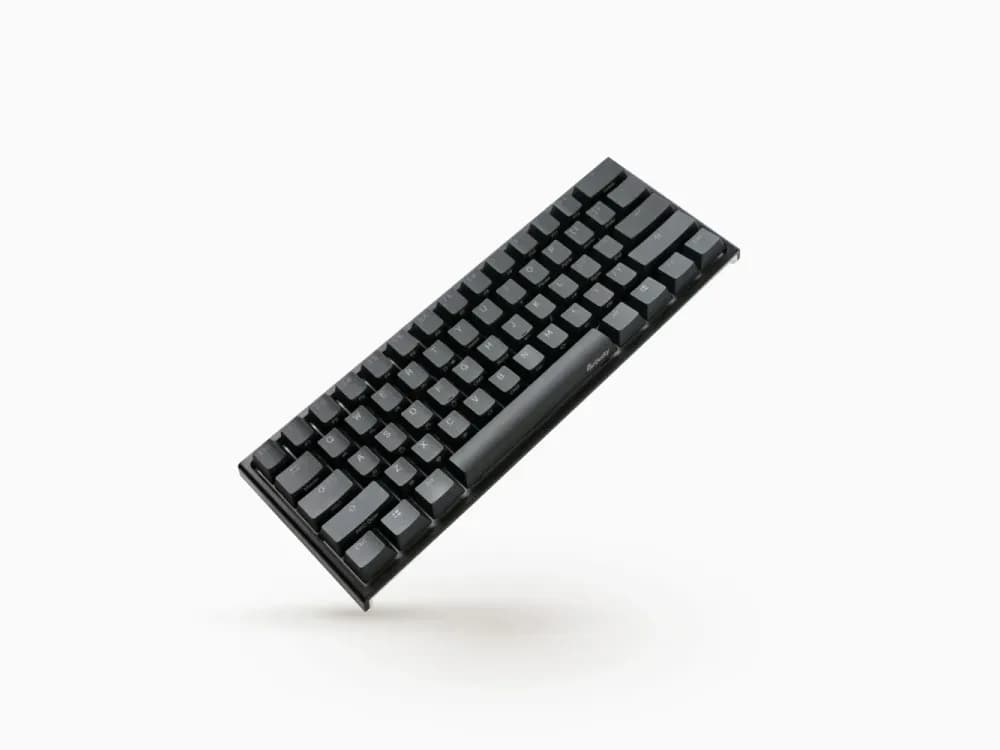
Ducky One 2 Mini
Played 538 times on Mechvibes in the last 30 days across 3 community packs, and counting.
Every Ducky One 2 Mini sound pack (3)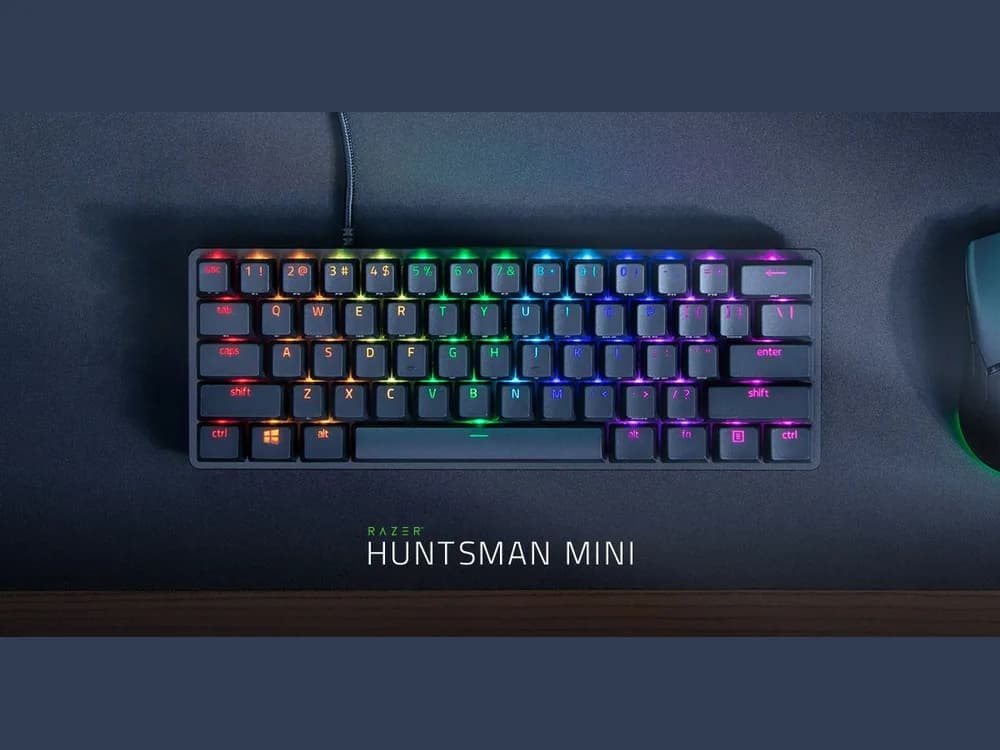
Razer Huntsman Mini
Played 610 times on Mechvibes in the last 30 days across 8 community packs, and counting.
Every Razer Huntsman Mini sound pack (8)At a glance
| Ducky One 2 Mini | Razer Huntsman Mini | |
|---|---|---|
| Layout | 60% | 60% |
| Case | Not stated | Aluminum |
| Switches | Cherry MX Brown, Blue or Red; the packs record Cherry MX Red and Blue | Razer optical switches, clicky or linear |
| Connectivity | Wired, detachable USB-C cable | Wired, detachable USB-C cable |
| Sound in its packs | Clicky | Clacky, clicky |
| Packs on Mechvibes | 3 | 8 |
| Pack views in the 30 days to November 25, 2026 | 533 | 586 |
Pack views count each person once a day. Facts from Tom's Hardware's review of the HyperX x Ducky One 2 Mini, which also describes the standard One 2 Mini, and Razer's Huntsman Mini page.
How they sound
The Ducky One 2 Mini has three packs. The most played, Ducky One 2 Mini by AACON, is recorded with Cherry MX Red linear switches, and its maker tags it as clicky. For the clicky version, try akirah0795's pack, recorded with Cherry MX Blue switches. A third pack records the board with Cherry MX Red switches again.
The Huntsman Mini has eight packs, with both kinds of switch Razer sells it with. The most played, Huntsman mini by aji mosant, is described as clacky and does not name the switch. For the clicky version, try kyo.1069's pack, tagged clicky, or liriq_prod's pack, both on Razer Clicky Optical switches. For the linear version, try the Mercury Edition pack or ozzz_7's pack, both on Razer Linear Optical switches.
Neither source says anything about how the board sounds. A simple way to compare: pick the same kind of switch on both, clicky with clicky or linear with linear, and type the same sentence on each at the same volume.
What sets them apart
- The switch. Tom's Hardware says the One 2 Mini came with Cherry MX Brown, Blue or Red mechanical switches, and that the HyperX edition it reviewed used HyperX Red switches instead (Tom's Hardware). Razer uses its own optical switches and lets you choose clicky or linear (Razer).
- Setting it up. Tom's Hardware says the One 2 Mini has no software: every setting is made from the keyboard itself (Tom's Hardware). Razer says the Huntsman Mini stores up to five profiles on the keyboard, which you can switch without its software (Razer).
- The case. Razer lists an aluminum construction with a matte finish (Razer). We found no source for the standard One 2 Mini's case material, so we leave it out.
- Where to buy it. Ducky's own store lists the One 2 Pro Mini RGB in its One 2 range and does not list the One 2 Mini (Ducky). Razer's page lists the Huntsman Mini in Black and Mercury editions (Razer).
Which one to hear first
If you want a click with every press, start with the clicky packs: akirah0795's Cherry MX Blue pack on the Ducky and kyo.1069's Razer Clicky Optical pack on the Huntsman Mini. If you share a room and want switches without a click, start with the linear ones: the Cherry MX Red pack by a deleted user on the Ducky and the Mercury Edition pack on Razer Linear Optical switches.
If you want to hear one board in many setups first, start with the Huntsman Mini: it has eight packs to the One 2 Mini's three.
How to listen
Every pack page has a keyboard you can type on. Turn the volume up and type anywhere on the page to hear the pack. To hear it while you work in other apps, download Mechvibes, open the pack and press Install.
The same keyboard can sound very different from one recording to the next. Switches, keycaps, the desk and the microphone all change the sound, which is why some keyboards here have several packs. If you own one of these boards in a setup that is missing here, you can record your own pack and add it to the library.