
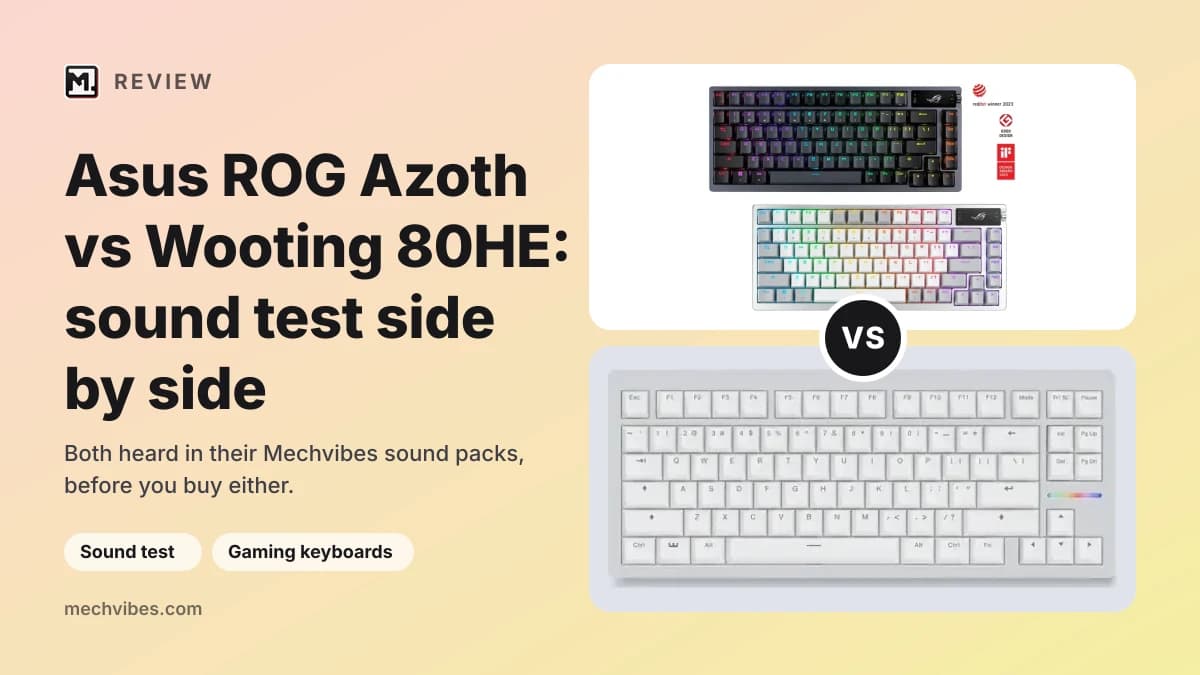
The Asus ROG Azoth and the Wooting 80HE are two gaming keyboards that people weigh against each other when they are torn between sound and speed. The Azoth is a 75% board with mechanical switches, a silicone gasket mount and layers of foam; the 80HE is an 80% board with magnetic Hall effect switches, where you set how deep a press counts. "asus rog azoth vs wooting 80he" is something people search for, and with many people choosing a keyboard this month, hearing both before buying either can save a return.
Both boards are in the Mechvibes library as community sound packs, so you can hear them before you buy. We have not used these keyboards ourselves; the facts below come from their makers' pages, linked.
Some links below are affiliate links: Mechvibes may earn a commission on qualifying purchases, at no cost to you. As an Amazon Associate, Mechvibes earns from qualifying purchases.
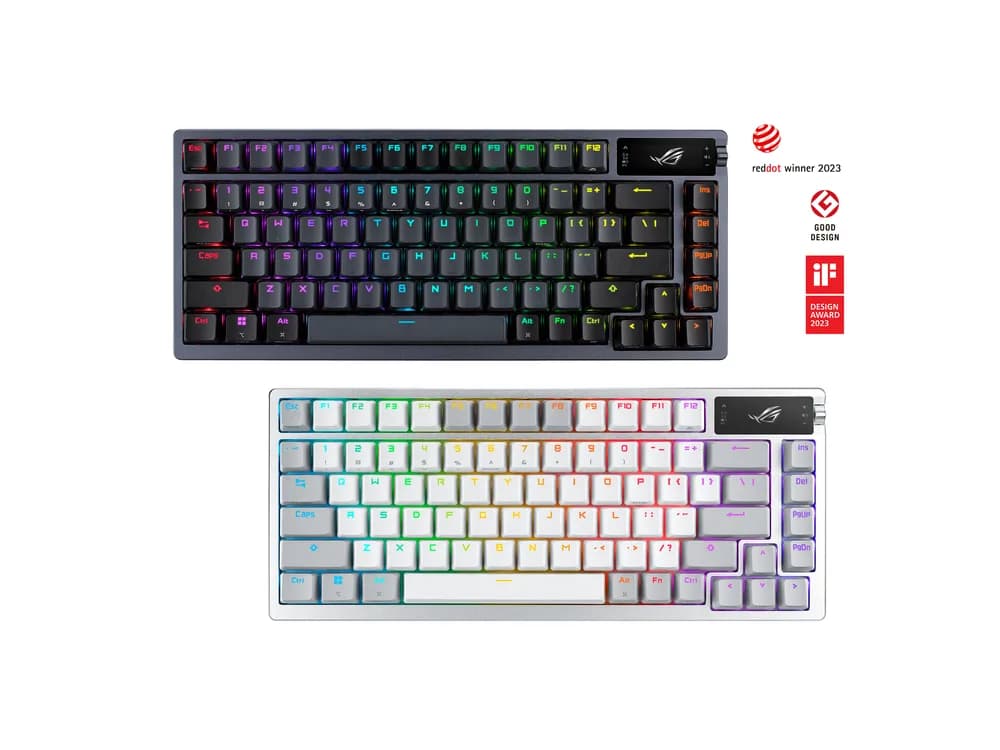
Asus ROG Azoth
Played 42 times on Mechvibes in the last 30 days across 2 community packs, and counting.
Every Asus ROG Azoth sound pack (2)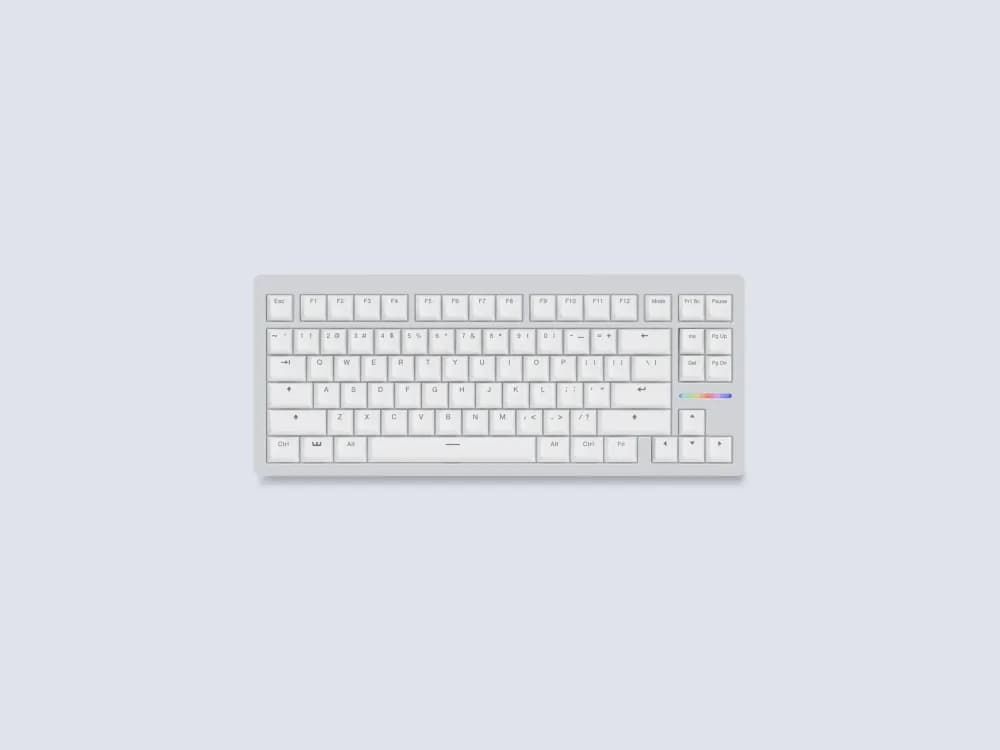
Wooting 80HE
Played 839 times on Mechvibes in the last 30 days across 4 community packs, and counting.
Every Wooting 80HE sound pack (4)At a glance
| Asus ROG Azoth | Wooting 80HE | |
|---|---|---|
| Layout | 75% | 80% |
| Case | Metal top cover | PCR ABS or zinc alloy, with a polycarbonate plate and a silicone gasket mount |
| Switches | ROG NX mechanical switches (Red, Brown or Blue), pre-lubed and hot-swappable | Lekker L60 V2 magnetic switches, actuation from 0.1 to 4.0 mm |
| Connectivity | 2.4 GHz wireless, Bluetooth 5.1 and USB-C to USB-A cable | USB-C to USB-C cable |
| Sound in its packs | Not tagged by their makers | Clacky, creamy, thocky |
| Packs on Mechvibes | 2 | 4 |
| Pack views in the 30 days to November 26, 2026 | 42 | 838 |
Pack views count each person once a day. Azoth facts from Asus's ROG Azoth page and its spec sheet. Wooting 80HE facts from Wooting.
How they sound
Both Azoth packs come from the same maker, liriq_prod. Asus ROG Azoth records the board on ROG NX Red switches, one of the switches Asus sells it with. Asus ROG Azoth with Lubed Gateron Oil King swithces, the one people opened most, records it after a switch swap to lubed Gateron Oil King linear switches; liriq_prod writes that these are gaming keyboards that sound like custom keyboards. Neither pack is tagged with a sound.
The Wooting 80HE packs split between two switches. Wooting 80HE Keyboard and Wooting 80HE with Lekker L60 switches record Lekker L60 switches; Wooting ships the board with Lekker L60 V2. The first is described as clacky and creamy. [DREW] Wooting 80HE Cerakey V2, the one people opened most, and wooting 80HE gateron jade 70g record Gateron Jade switches, not the switch Wooting lists for the board, and both are described as thocky and creamy.
A simple way to compare: open one pack of each and type the same sentence on both, at the same volume. liriq_prod recorded both Azoth packs and the 80HE's Lekker L60 pack, so those three come from one person's recordings.
What sets them apart
- The switch. The Azoth uses mechanical ROG NX switches; Asus lists them as pre-lubed and hot-swappable, and gives the Red an actuation point of 1.8 mm (Asus). The 80HE uses Lekker L60 V2 magnetic switches, with actuation you set per key from 0.1 to 4.0 mm, and rapid trigger (Wooting).
- Wireless. Asus lists 2.4 GHz, Bluetooth 5.1 and a USB cable for the Azoth (Asus). Wooting's page describes a wired connection, with a 2 meter USB-C to USB-C cable (Wooting).
- What is inside for sound. Asus lists a silicone gasket mount with three layers of dampening: a 3.5 mm silicone pad to absorb noise, PORON foam against case ping and a foam-lined base (Asus). Wooting lists a silicone gasket mount for less noise and a softer feel, a polycarbonate plate it says mutes higher frequencies, and screw-in stabilizers (Wooting).
- Polling rate. Asus gives the Azoth a 1000 Hz report rate (Asus). Wooting lists 8 kHz polling for the 80HE (Wooting).
- Size and weight. The Azoth measures 326 x 136 x 40 mm and weighs 1,186 g (Asus). The 80HE is 346 x 142 mm and weighs 790 g in PCR ABS or 2,160 g in zinc alloy (Wooting).
Asus also lists a 2-inch OLED panel on the Azoth for status, battery and media information (Asus). Asus also makes the ROG Azoth Extreme and compares the two on its site; the packs here record the original Azoth.
Which one to hear first
If you want a deeper sound, start with the 80HE's Gateron Jade packs: both are described by their makers as thocky and creamy. If you want to hear each board with the switch its maker sells it with, start with the Azoth's ROG NX Red pack and a Lekker L60 pack for the 80HE. If you want to hear what a switch swap does to the Azoth, play its two packs one after the other: one on ROG NX Red, one on lubed Gateron Oil King.
If you want to hear one board in more setups first, start with the 80HE: it has four packs to the Azoth's two.
How to listen
Every pack page has a keyboard you can type on. Turn the volume up and type anywhere on the page to hear the pack. To hear it while you work in other apps, download Mechvibes, open the pack and press Install.
The same keyboard can sound very different from one recording to the next. Switches, keycaps, the desk and the microphone all change the sound, which is why some keyboards here have several packs. If you own one of these boards in a setup that is missing here, you can record your own pack and add it to the library.