
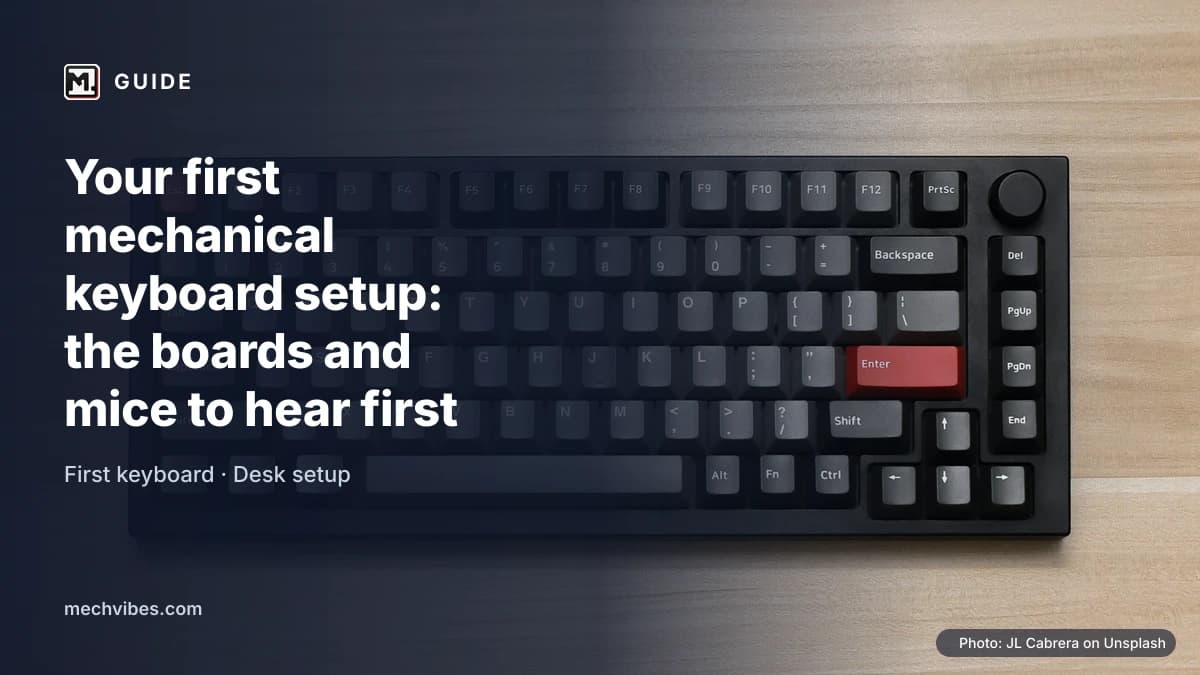
Someone buying their first mechanical keyboard has never heard most of the boards they are choosing between. Product pages list switches, plates and foam, but they cannot tell you what a board will sound like on your desk for the next few years. This guide starts with the keyboards and mice people play most on Mechvibes, so you can hear them first, and adds the few small things that make a new desk comfortable.
The keyboards and mice below are the ones whose sound packs people opened most in the 30 days to November 29, 2026, counting each person once a day. We have not used this gear ourselves. The sound comes from the community's recordings, and the facts come from each maker's own pages and the sources linked. Where we could not find a maker's page, the section says so and sticks to what the pack shows.
Some links below are affiliate links: Mechvibes may earn a commission on qualifying purchases, at no cost to you. As an Amazon Associate, Mechvibes earns from qualifying purchases.
The keyboard
Each of these can be bought with switches already fitted, so there is no kit to build first. They are also the three keyboards people played most this month, of any kind.
Wobkey Rainy 75 Pro
A 75% board with 81 keys and a CNC-machined aluminum case. Wobkey lists a flex-cut FR4 plate, factory-lubed WOB or Kailh Cocoa linear switches, and PORON foam, bottom foam and several damping pads inside. It connects by USB-C cable, 2.4 GHz or Bluetooth 5.0, and Wobkey rates its 7000 mAh battery at about 900 hours (Wobkey). Two of its three packs record Kailh Cocoa switches, and their makers describe them as creamy and clacky; the third, on Durock Sea Glass switches, is described as thocky.
 Most listened keyboard
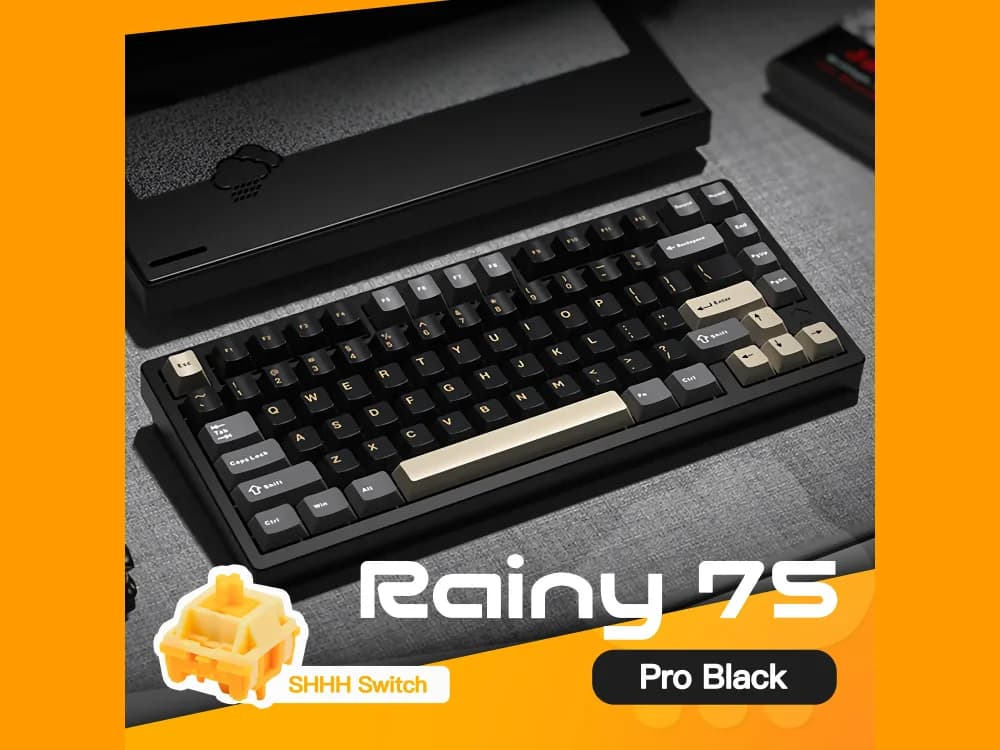
Wobkey Rainy 75 Pro
Played 9,655 times on Mechvibes in the last 30 days across 3 community packs, and counting.
- Good for: you want one board for a cable, a 2.4 GHz dongle and Bluetooth
- Skip it if: you need a number pad; it is a 75% board
Keychron Q3
A tenkeyless board, with arrow keys and the keys above them but no number pad. Keychron lists a fully CNC-machined aluminum body, a gasket mount, a steel plate and double-shot PBT keycaps. The assembled version comes with Gateron G Pro switches in hot-swap sockets, so you can change them later without soldering. It is wired only, and weighs 2,000 g assembled (Keychron). Its one pack records Gateron G Pro Red switches, the switch Keychron fits to the assembled board.
2nd most listened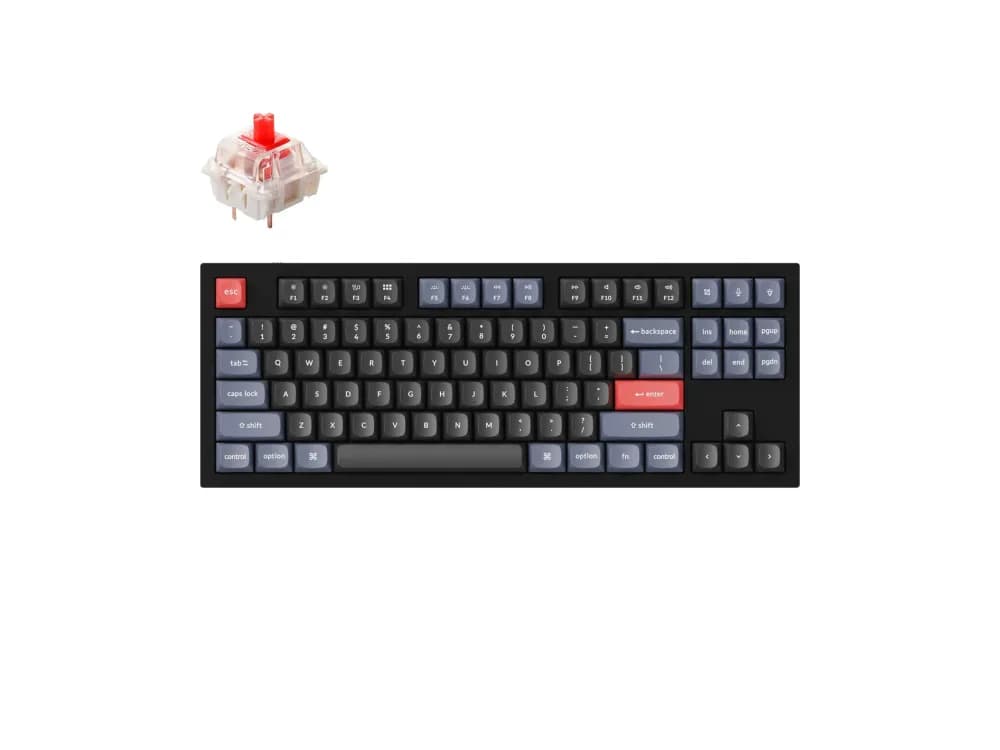
Keychron Q3
Played 6,146 times on Mechvibes in the last 30 days, and counting.
- Good for: you want to try other switches later without soldering
- Skip it if: you want a wireless board; Keychron lists it as wired
Aula F75 Max
A 75% board with 80 keys, a metal knob and a small TFT screen that shows the time, battery and connection. Epomaker, which sells it with Aula, lists an ABS plastic case, a gasket mount and factory-lubed LEOBOG Reaper linear switches in hot-swap sockets. It connects by USB-C, 2.4 GHz or Bluetooth 5.0, and weighs 0.96 kg. Epomaker lists five dampening layers inside and calls the sound creamy (Epomaker). All three of its packs record the Reaper, and their makers describe them as creamy and clacky.
3rd most listened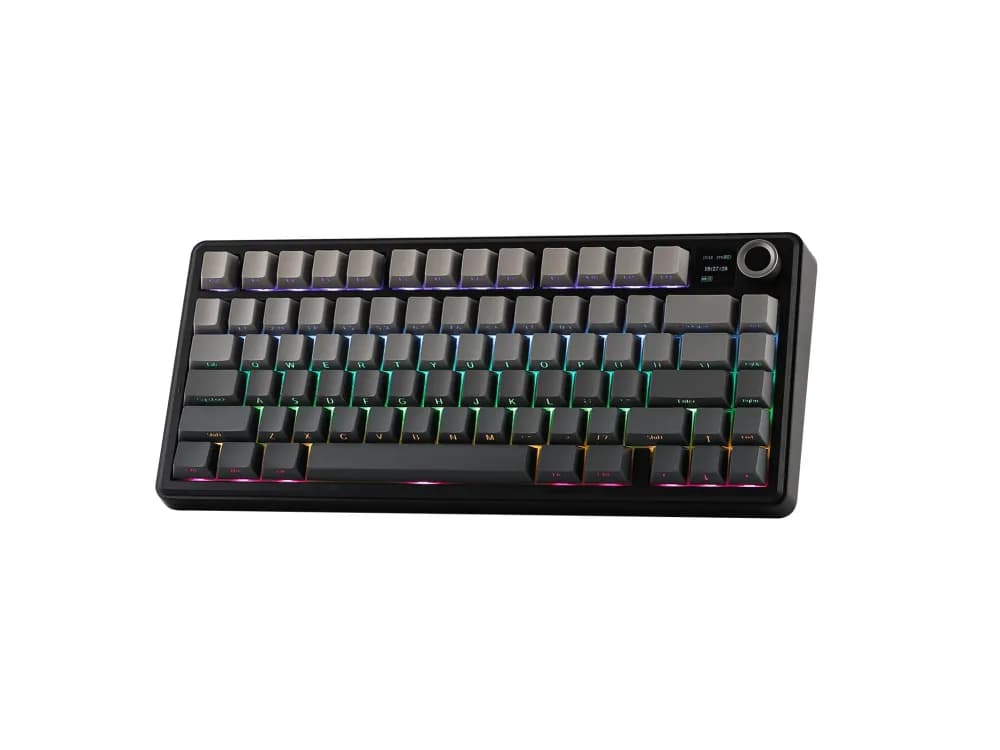
Aula F75 Max
Played 4,731 times on Mechvibes in the last 30 days across 3 community packs, and counting.
- Good for: you want a light wireless board with a volume knob
- Skip it if: you want a metal case; Epomaker lists it as ABS plastic
The mouse
Mouse packs record the click of a real mouse. Mechvibes plays them as you click, so you can hear a mouse next to the keyboard you are considering. These three are the mice people played most this month.
VXE R1 SE
One model in VXE's Dragonfly R1 series. VXE lists the series as wireless, with Bluetooth, 2.4 GHz and a cable, a PAW3395 or PAW3395 SE sensor, polling from 125 to 4000 Hz and a weight of 48 to 55 g depending on the model; it does not give the SE's own figures (VXE). The pack names Huano Blue Shell Pink Dot switches under the buttons.
Most listened mouse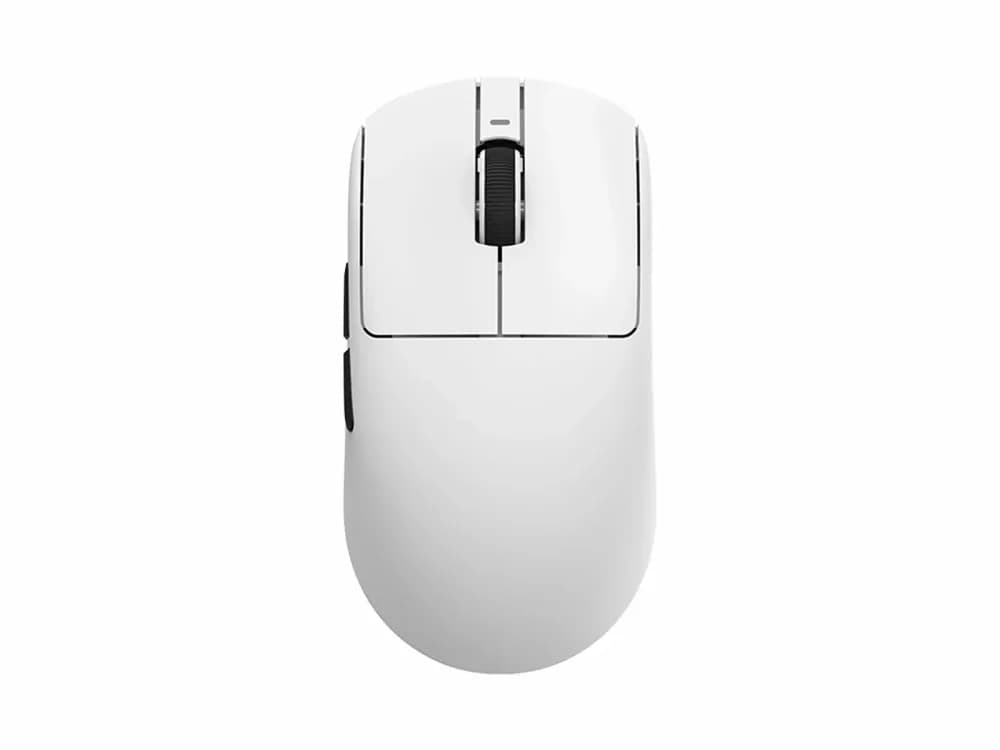
VXE R1 SE
Played 2,402 times on Mechvibes in the last 30 days, and counting.
- Good for: you want a light wireless mouse; VXE lists the series at 48 to 55 g
Logitech Pro X2 Superstrike
Logitech says this wireless mouse replaces the usual microswitches in the main buttons with its Haptic Inductive Trigger System, which senses a press by induction and answers it with haptic feedback in six intensity levels. You can choose from ten actuation points and five rapid trigger reset points (Logitech G). The pack lists its switch as a Hall effect switch with haptics, and its maker describes it as clicky.
2nd most listened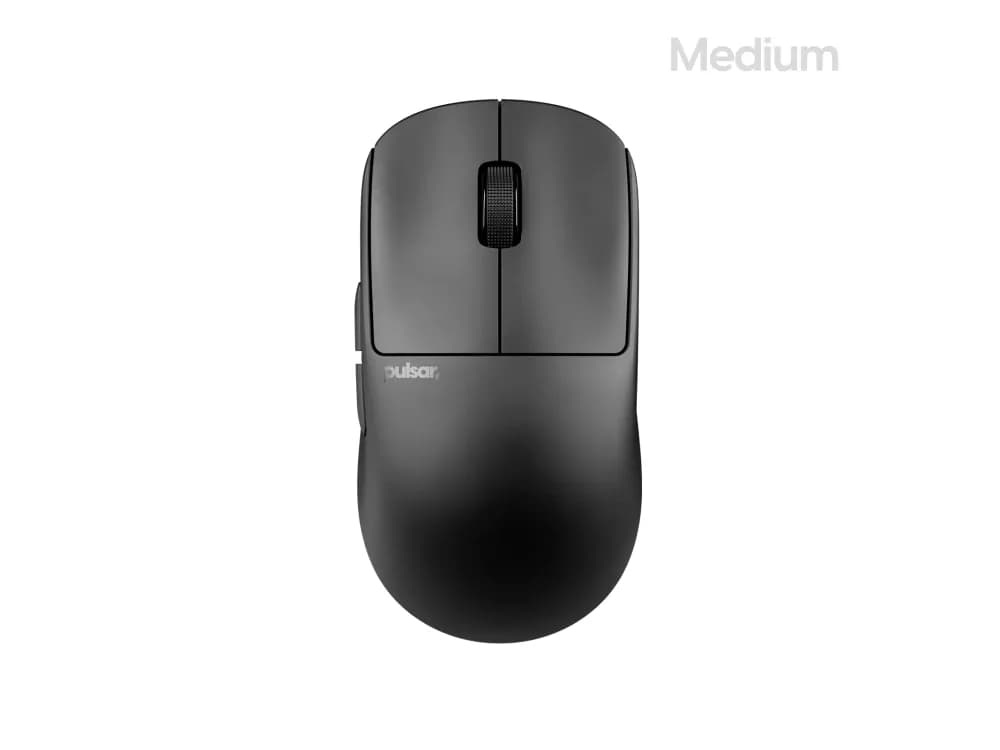
X2 SuperStrike
Played 2,068 times on Mechvibes in the last 30 days, and counting.
- Good for: you want to set how far a click travels before it counts
- Skip it if: you want the click of a standard microswitch
Royal Kludge M3
We could not find a page for this mouse on Royal Kludge's own sites, so we leave its specs out. The pack records it with a generic mouse microswitch, and it is the only pack of this mouse in the library.
3rd most listened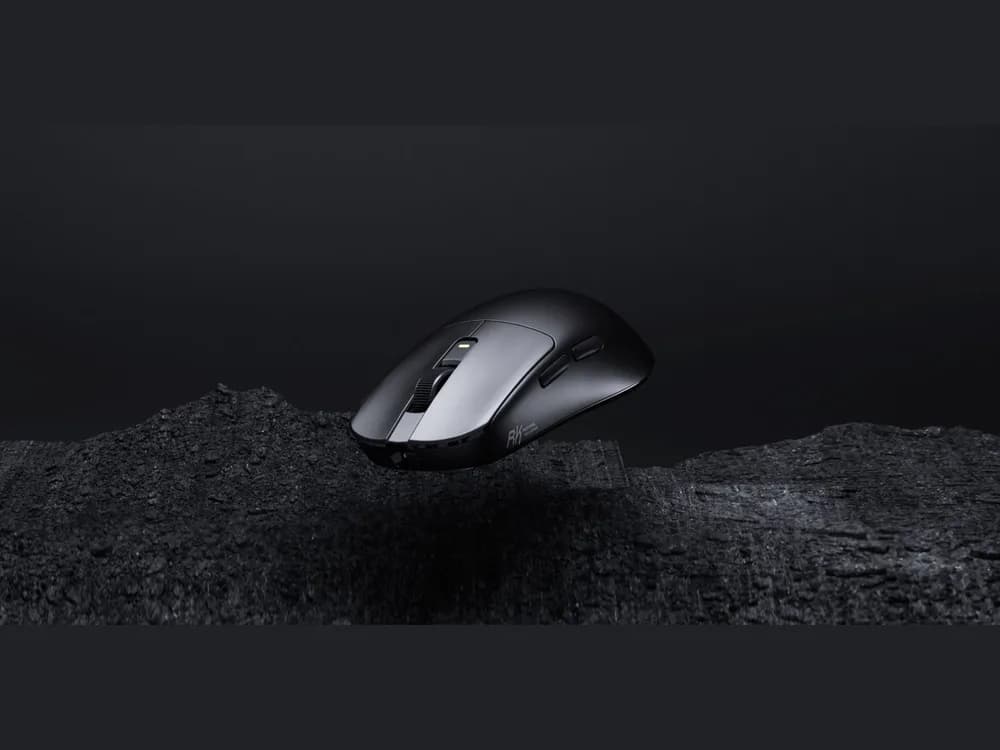
Royal Kludge M3
Played 1,449 times on Mechvibes in the last 30 days, and counting.
What you need
Keycap and switch puller
It lifts keycaps off for cleaning and pulls switches out of a hot-swap board.
- Good for: your board is hot-swap and you may try other switches
- Skip it if: your board is soldered; KeebsForAll says to ask a professional
KeebsForAll says to remove the keycaps with a keycap puller, and to take switches out of a hot-swap board with a switch puller by squeezing the tabs and pulling upward (KeebsForAll).
Desk mat
It absorbs the vibration from each keystroke so less of it reaches the desk.
- Good for: you type and click on a hard desk that carries the sound
- Skip it if: your keyboard and mouse already sit on a large soft mat
KeebsForAll explains that a desk mat absorbs the vibrations of typing and softens each keystroke, and that thicker mats, 4 to 6 mm, dampen more (KeebsForAll).
Keyboard wrist rest
OSHA says proper use can reduce muscle activity and help keep the wrist straight.
- Good for: you want somewhere soft for your palms when you pause typing
- Skip it if: you would rest your wrists on it while typing; OSHA advises against that
OSHA notes that opinions on wrist rests vary. It says your hands should move freely above the rest while you type, that the pad should touch the heel or palm of your hand when you pause, not your wrist, and that a soft, rounded rest at least 1.5 inches deep is the one to choose (OSHA).
How to listen
Every pack page has a keyboard you can type on, and every mouse pack page draws a mouse you can tap. Turn the volume up and try a keyboard pack, then a mouse pack, to hear the whole desk. Type the same sentence on each keyboard so you compare the sound, not the words. To hear them while you work in other apps, download Mechvibes, open a pack and press Install.
The same keyboard or mouse can sound very different from one recording to the next. Switches, keycaps, the desk and the microphone all change the sound, so treat each pack as one person's recording, not a measurement. If you own a board or mouse that is missing here, you can record your own pack and add it to the library.